Setup
Hardware & Settings
The setup that has piled up over the years. None of it was planned – a CPU here, a GPU there, and at some point a fourth monitor appeared on the desk. Now it works.
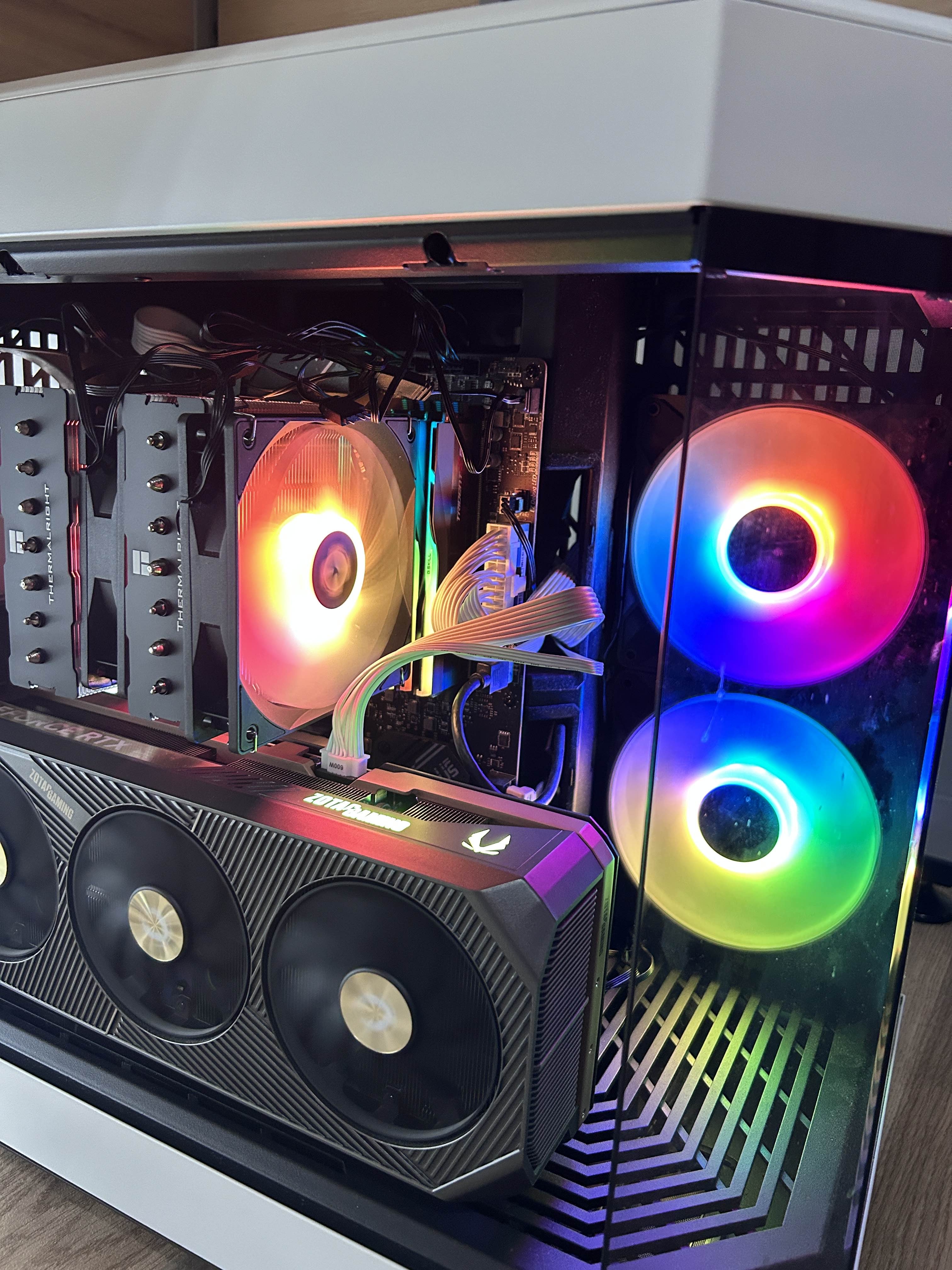
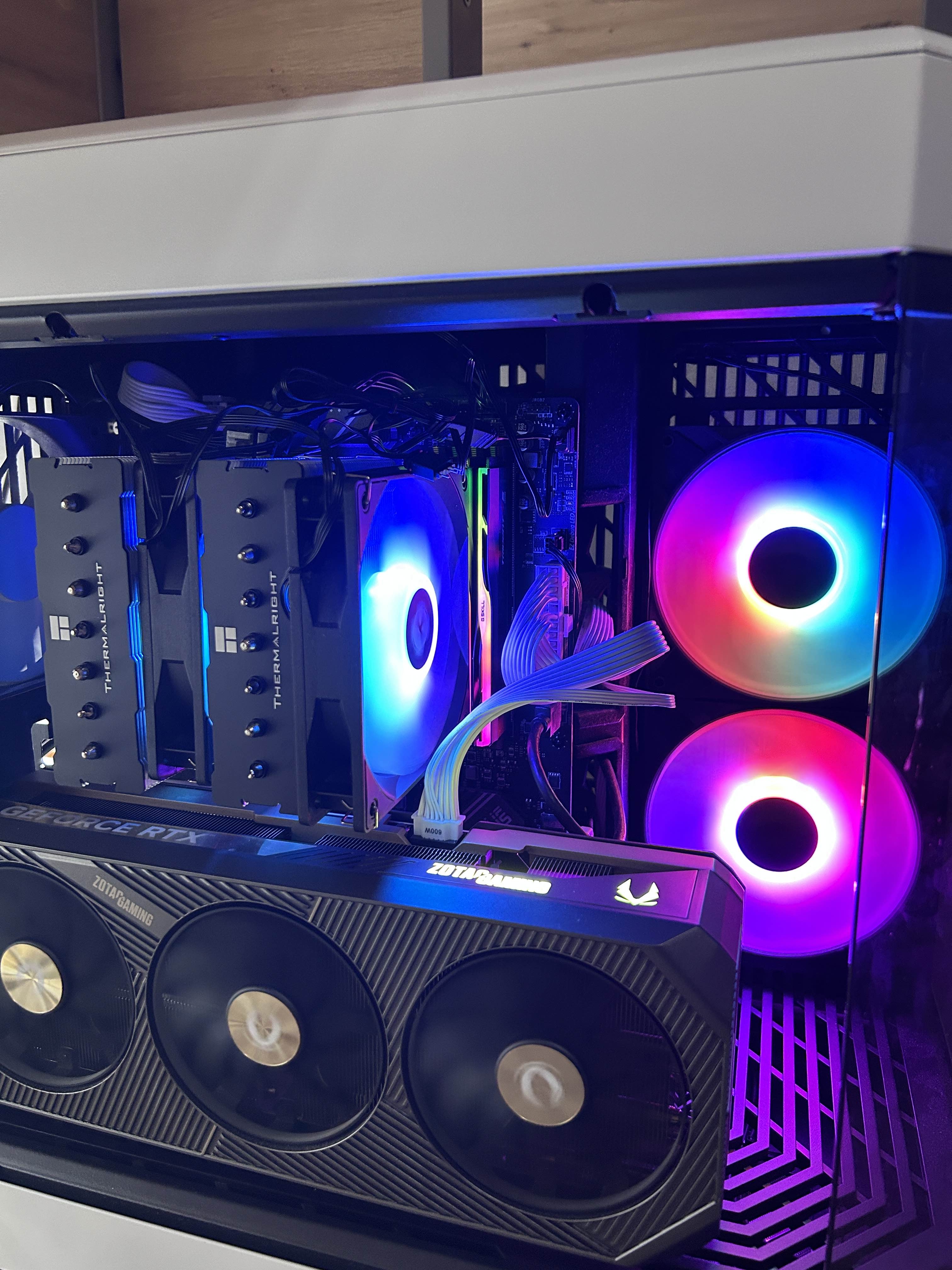
01 · PC
The core of it all
CPU, GPU and everything in between.
02 · Desk
Around the desk
Everything else on and around the desk.
Monitors
- Main27" MSI MAG274QRF (1440p / 165 Hz)
- 2nd monitor27" Acer (1080p)
- 3rd monitorSamsung S22D300H (22", no longer available)
- 4th monitorAcer (22")
Audio & streaming
03 · Frequently asked
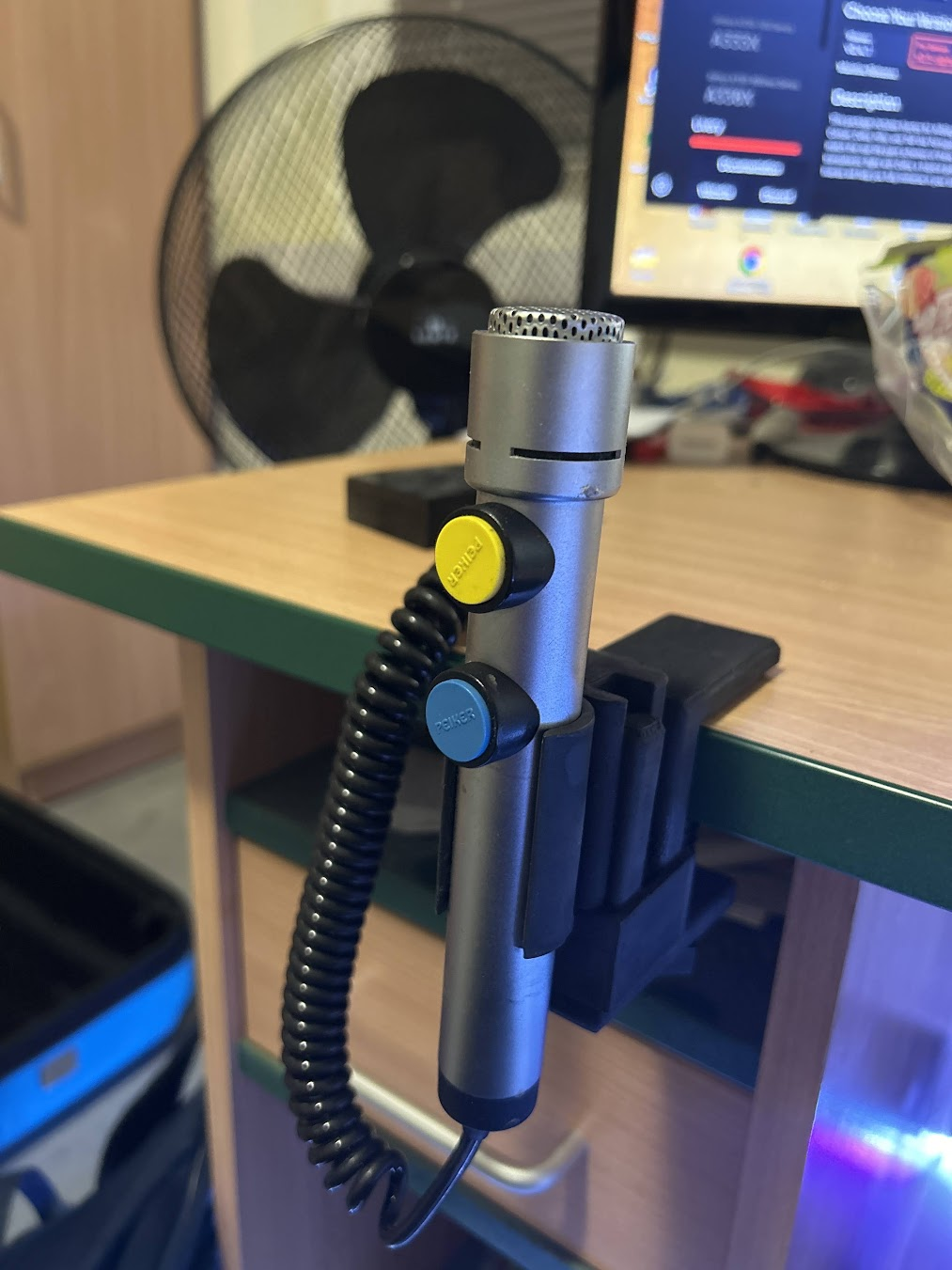
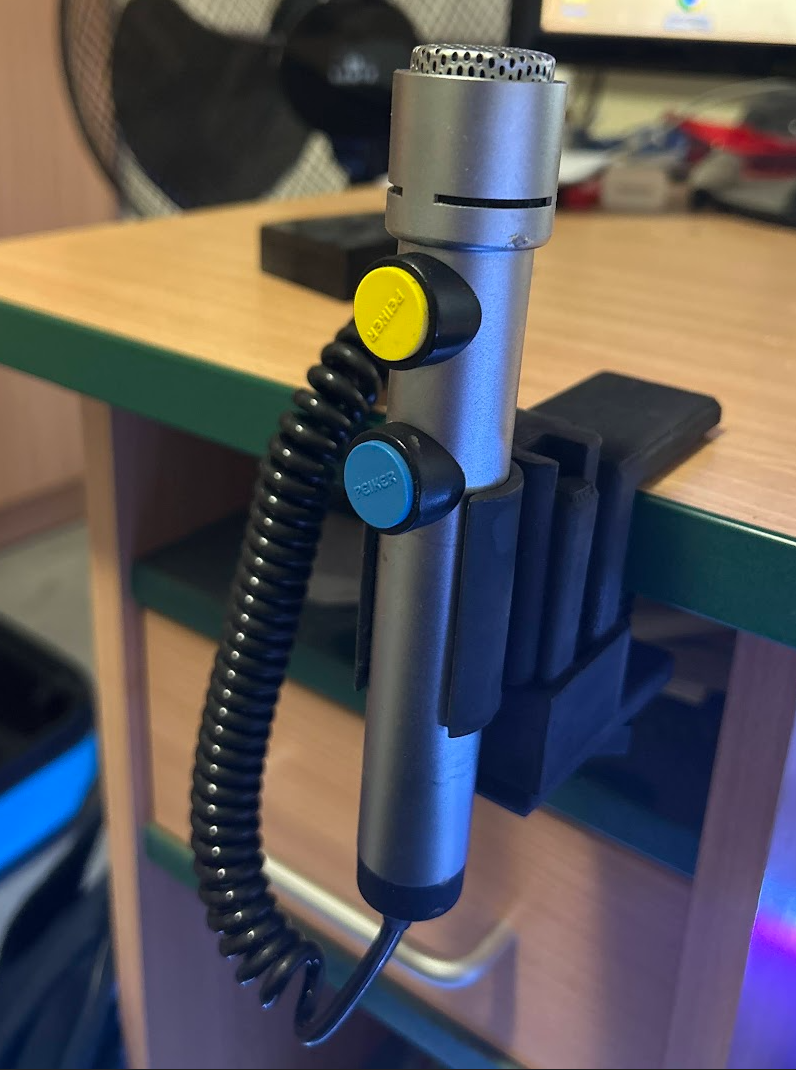
Peiker ATC microphone
Custom USB conversion · One of a kind
I control with a Peiker microphone (two buttons), which in this version (with a USB connection) is not available to buy. I bought the mic on eBay and a friend soldered it to a USB sound card so it can be connected to the PC.
The original Peiker microphone is a professional ATC headset from real-world aviation operations. This modification is a one-off and not for sale.
04 · Flight sim gear
Between me and the sky
The hardware I fly with.
MOZA AB6 Flight Simulator Bundle
A direct-drive base instead of a classic joystick, with much finer force feedback. It replaces my previous sidestick as my main input device for airliners.
View in shop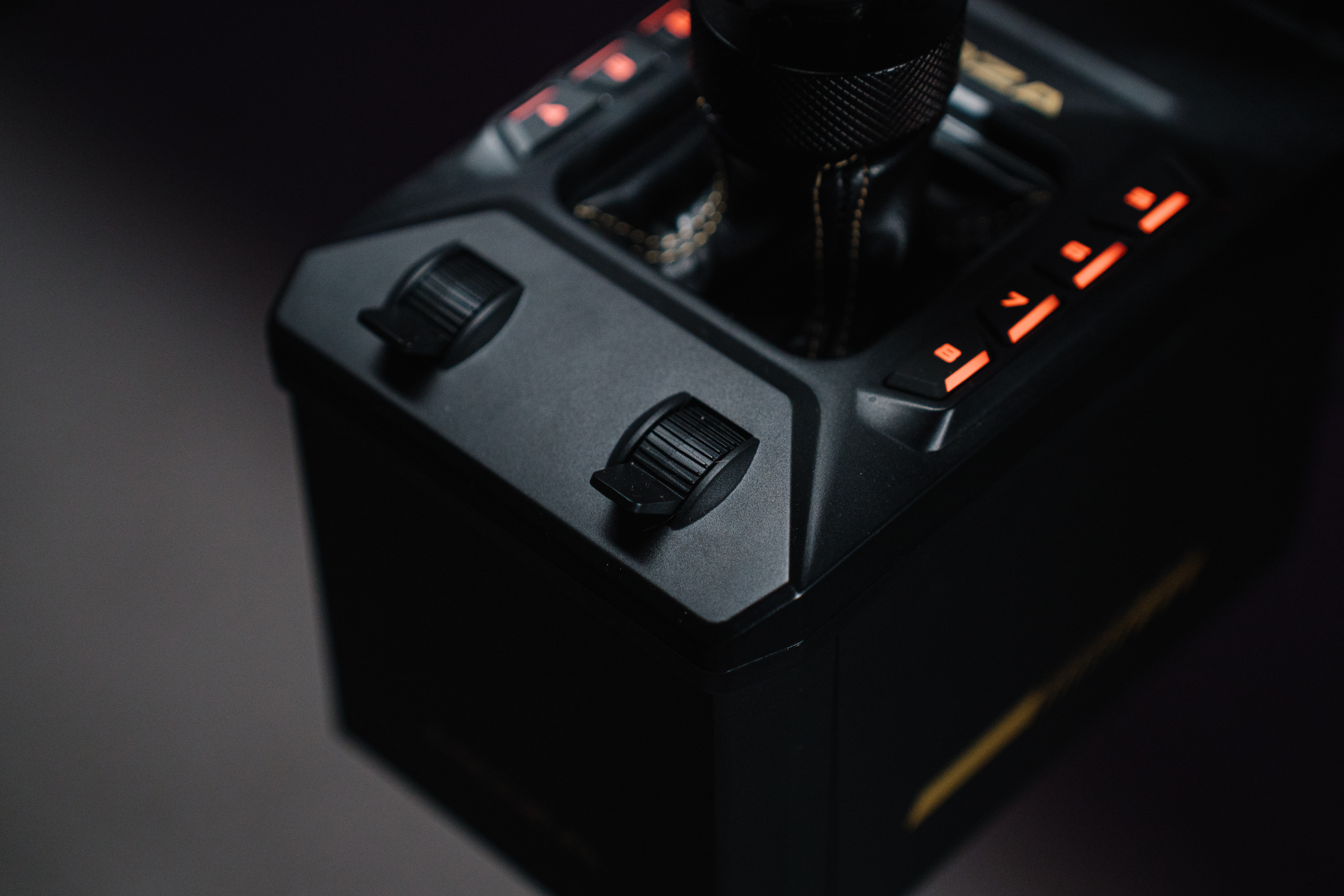
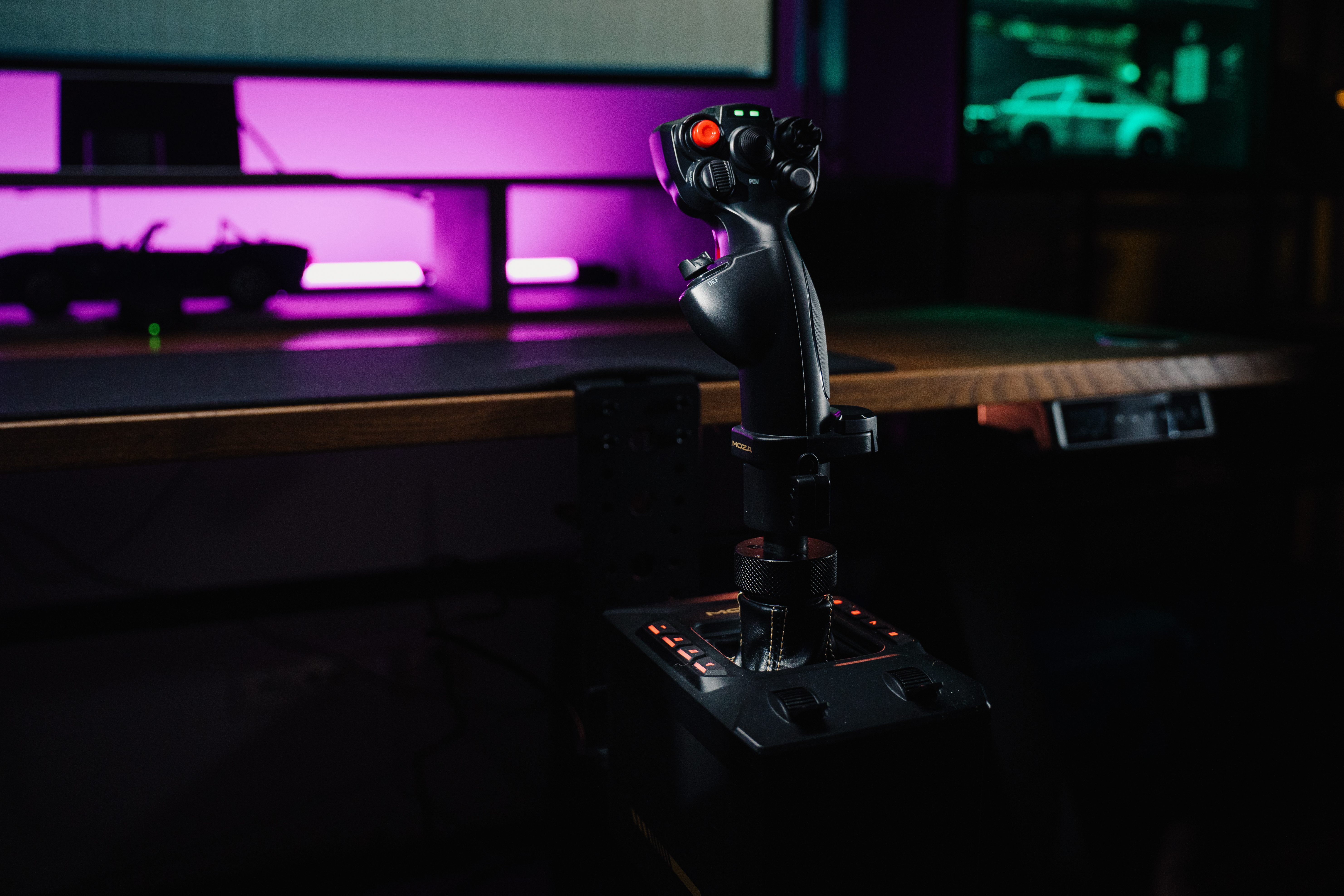
Sticks on the AB6 base
05 · MSFS settings
Tuned for VATSIM
Tuned for VATSIM flights on the RTX 5090.
General
Traffic & environment
Graphics
Terrain LOD & Object LOD: these values are irrelevant, as they are controlled automatically by AutoFPS.
AutoFPS
AutoFPS adjusts Terrain LOD dynamically based on altitude: less detail on the ground for performance, more in the air for visuals.